







































Essential
$25.00/mo
Billed monthly
- Unlimited projects
- 40 AI generations/month
- Catalog with 2,600+ items
- Garden Editor
- High-resolution images
- Jade, virtual assistant
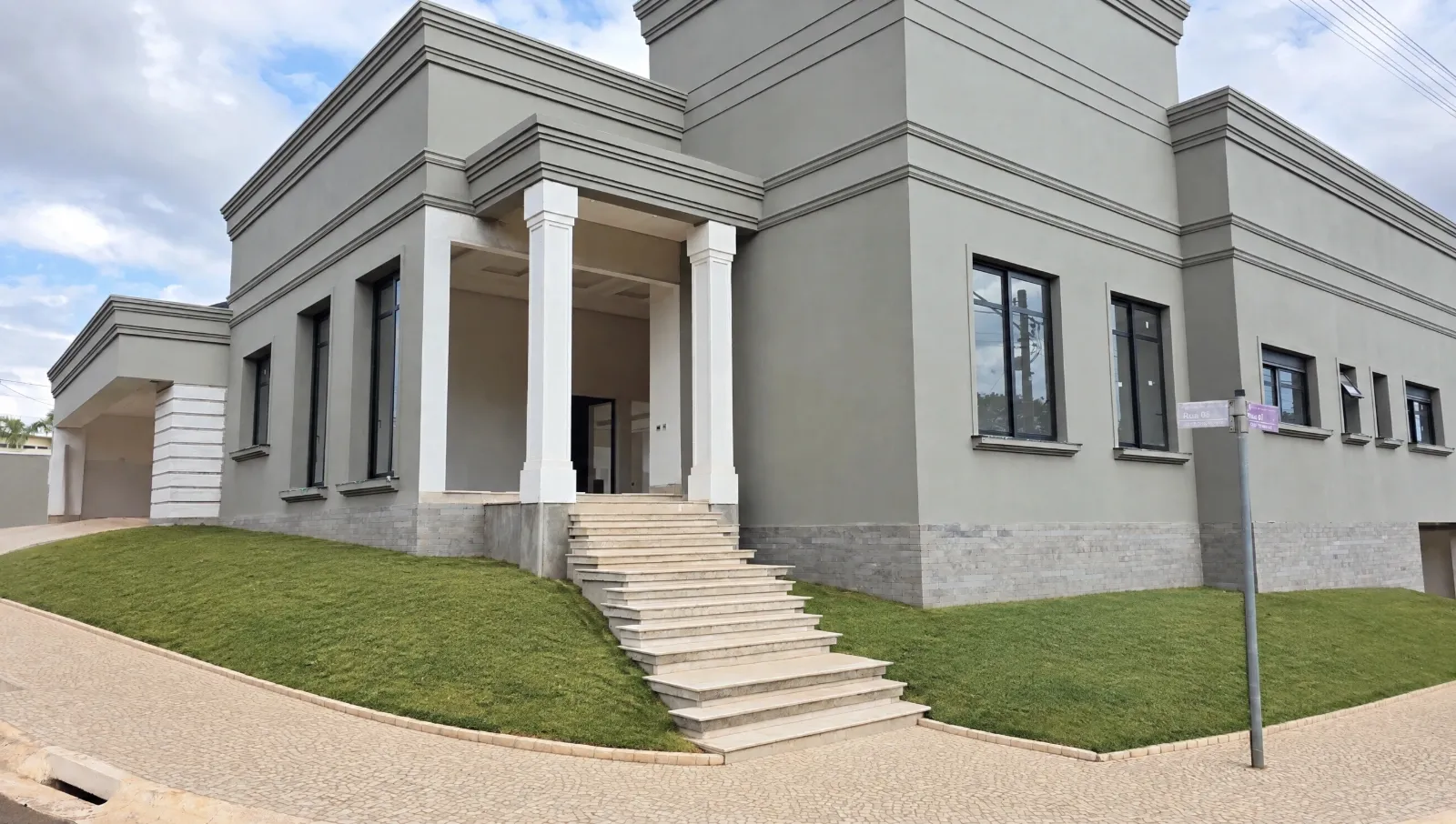
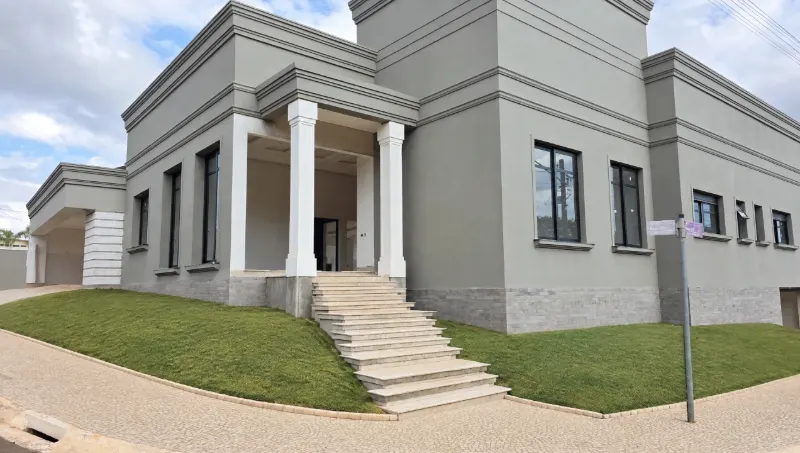
Create projects from a real photo of your client’s space.
No advanced editing skills. No heavy software. Right in your browser.
No card required · Nothing is charged
Reference photos and examples of other gardens aren’t always enough. Your client wants to see how the proposal will look in their own space before deciding.
It takes training, a powerful PC and hours of work.
Presenting takes hours from clients, sales and jobs.
Showing the result beats sending just a quote.
What if there were an easier, more practical way?
Introducing Paisagia
Catalog
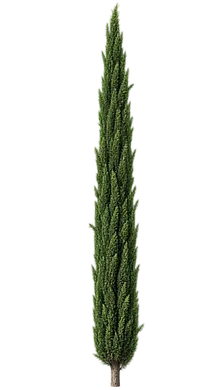
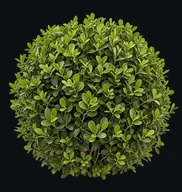
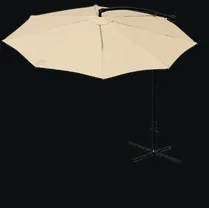
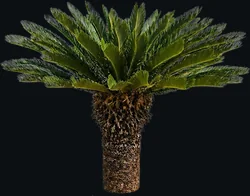
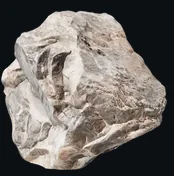
Plants with common and scientific names, real pots and objects from manufacturers, floors and textures. All ready to drag onto the photo.
Tools
Your project, your composition, finished by AI. Every plant exactly where you want it.
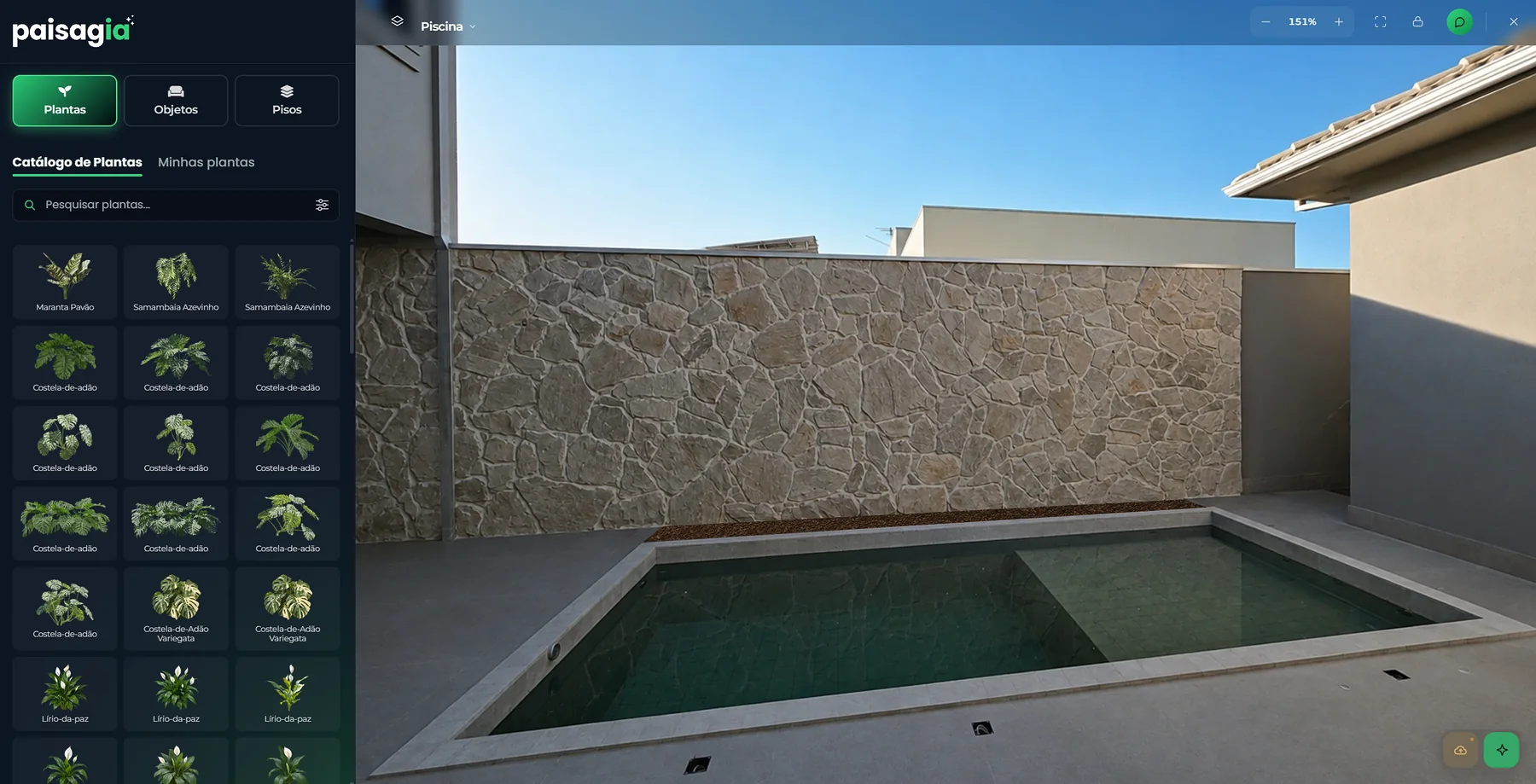
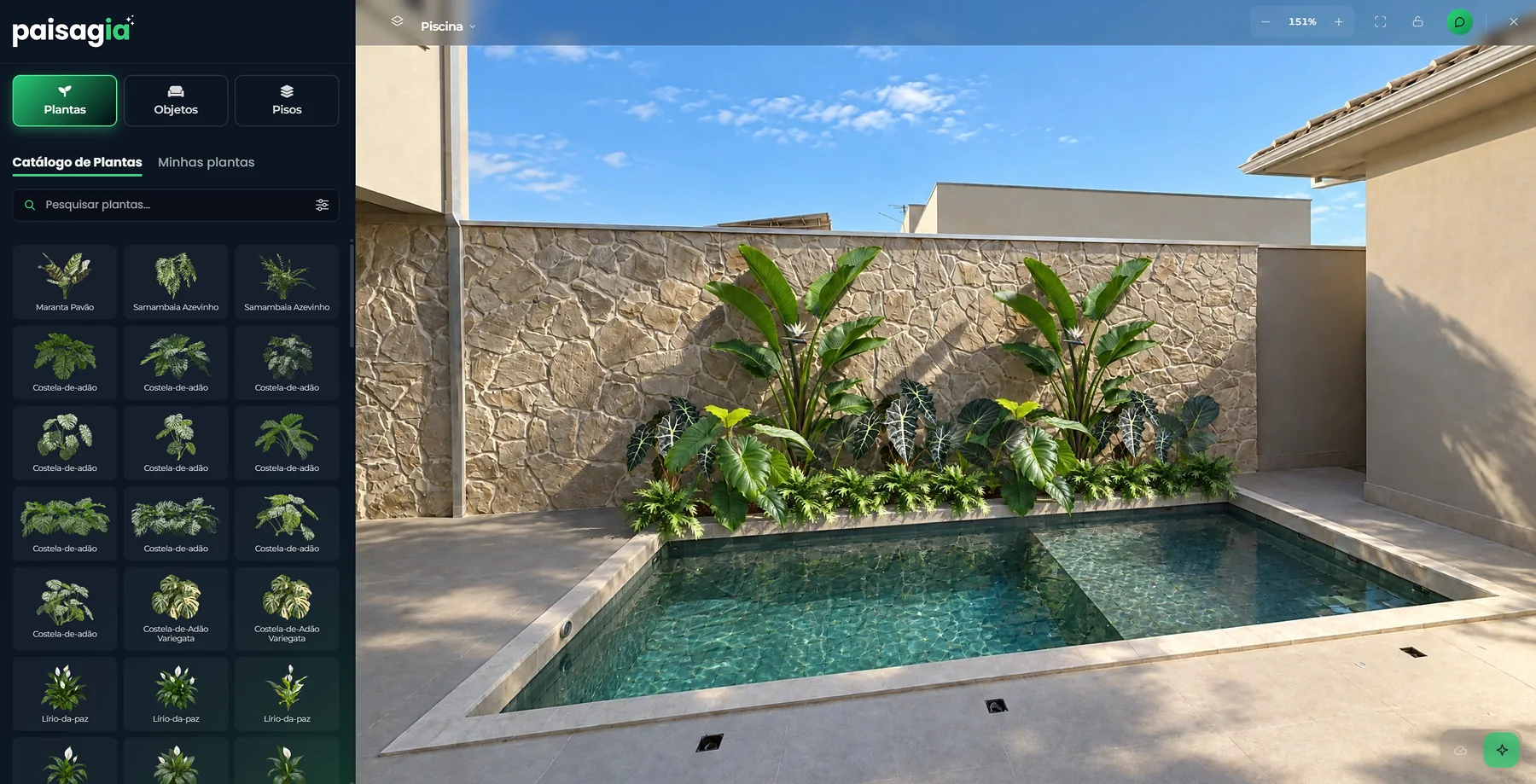
Real plants, pots and objects. You pick each item and drop it onto your client's photo.
Resize, rotate in 3D, adjust perspective and brightness until every element fits the scene.
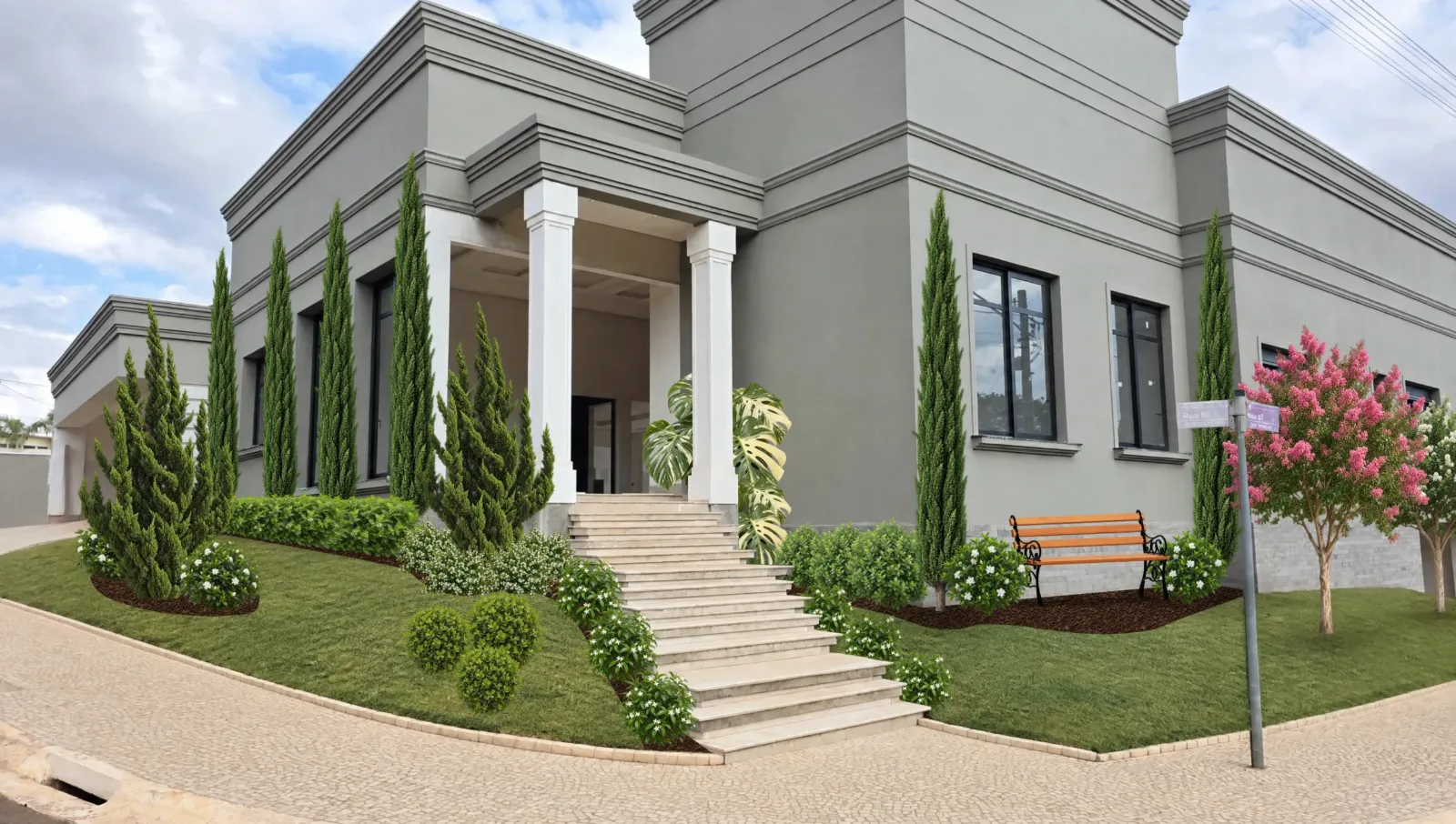
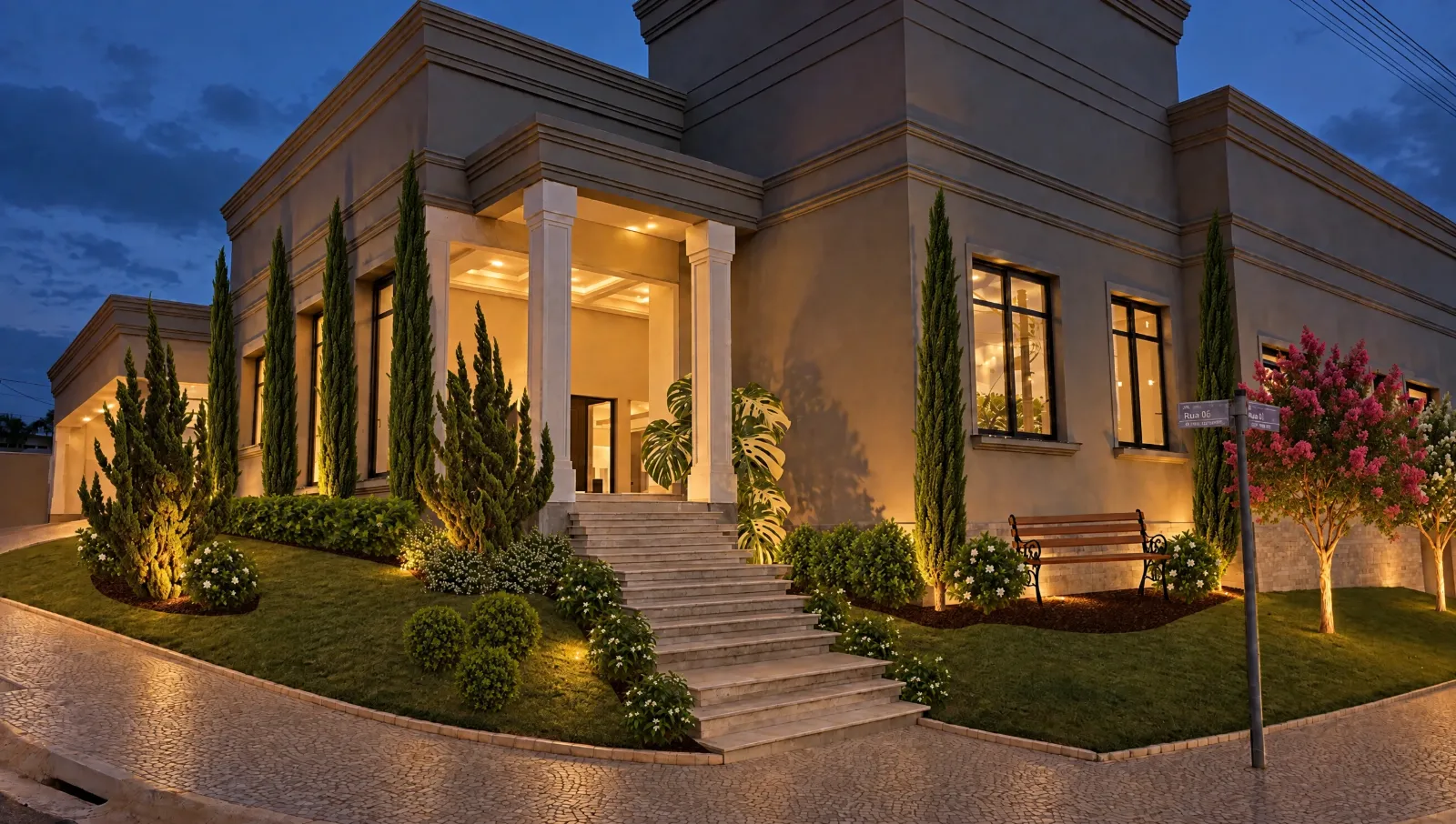
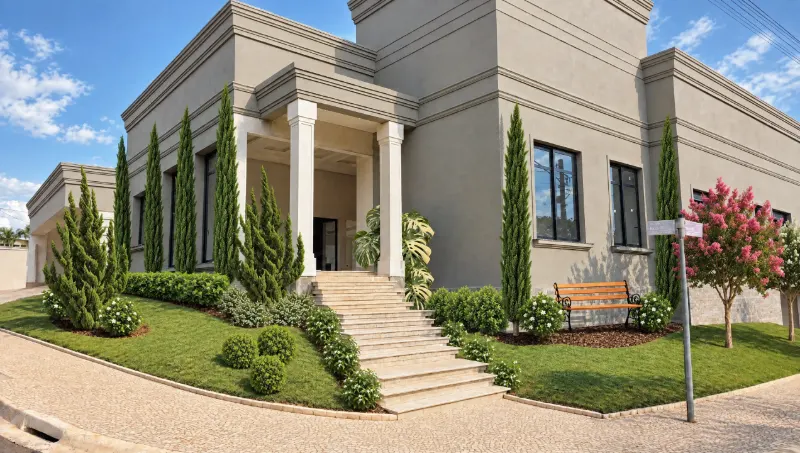
The AI turns the composition into a photo, with light, shadows and reflections on the water, keeping every plant in place.
A build being finished or an old garden? Say what goes (rubble, tarps, tools, old vegetation) and how the ground ends up: packed earth or grass.
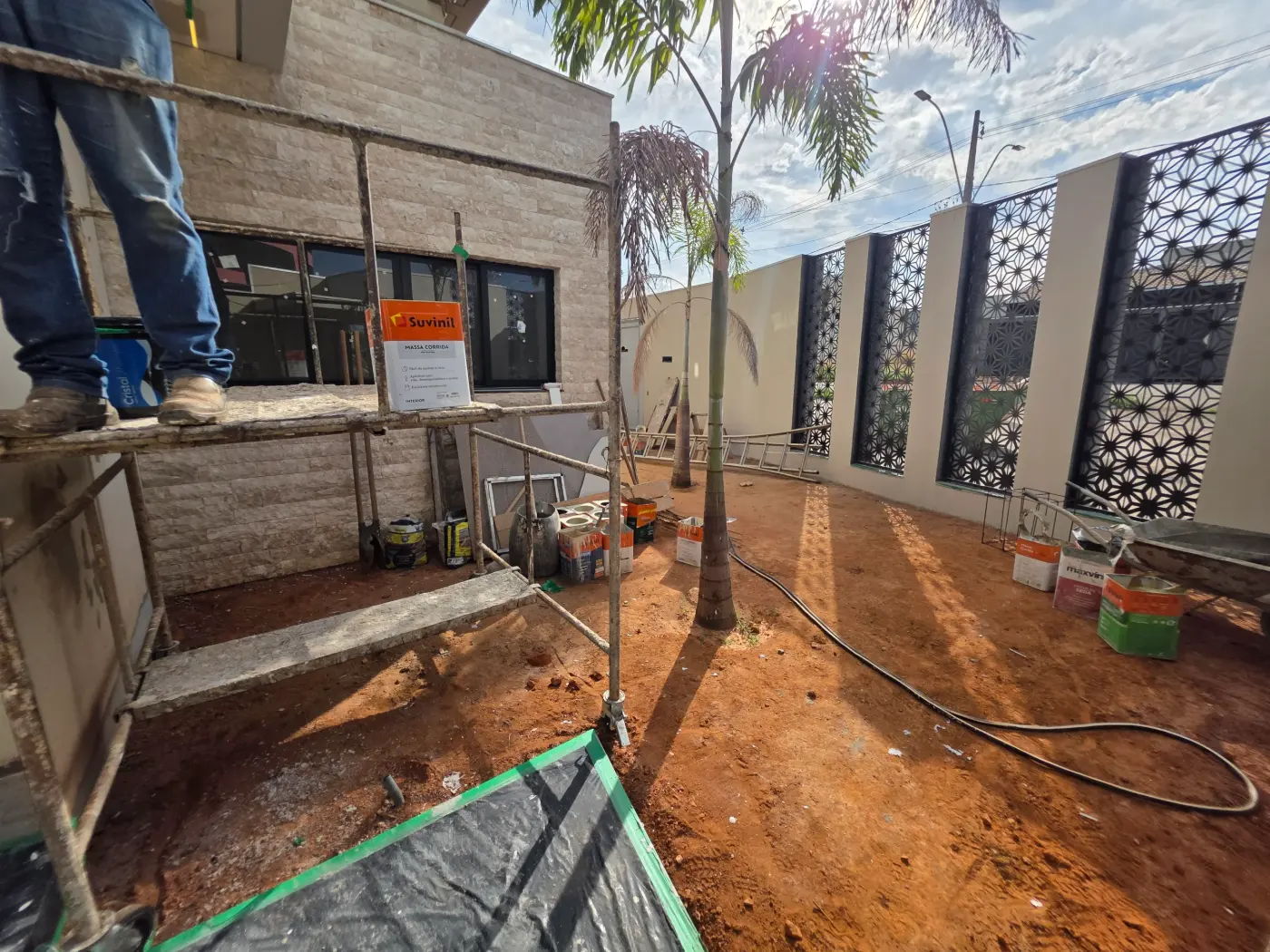
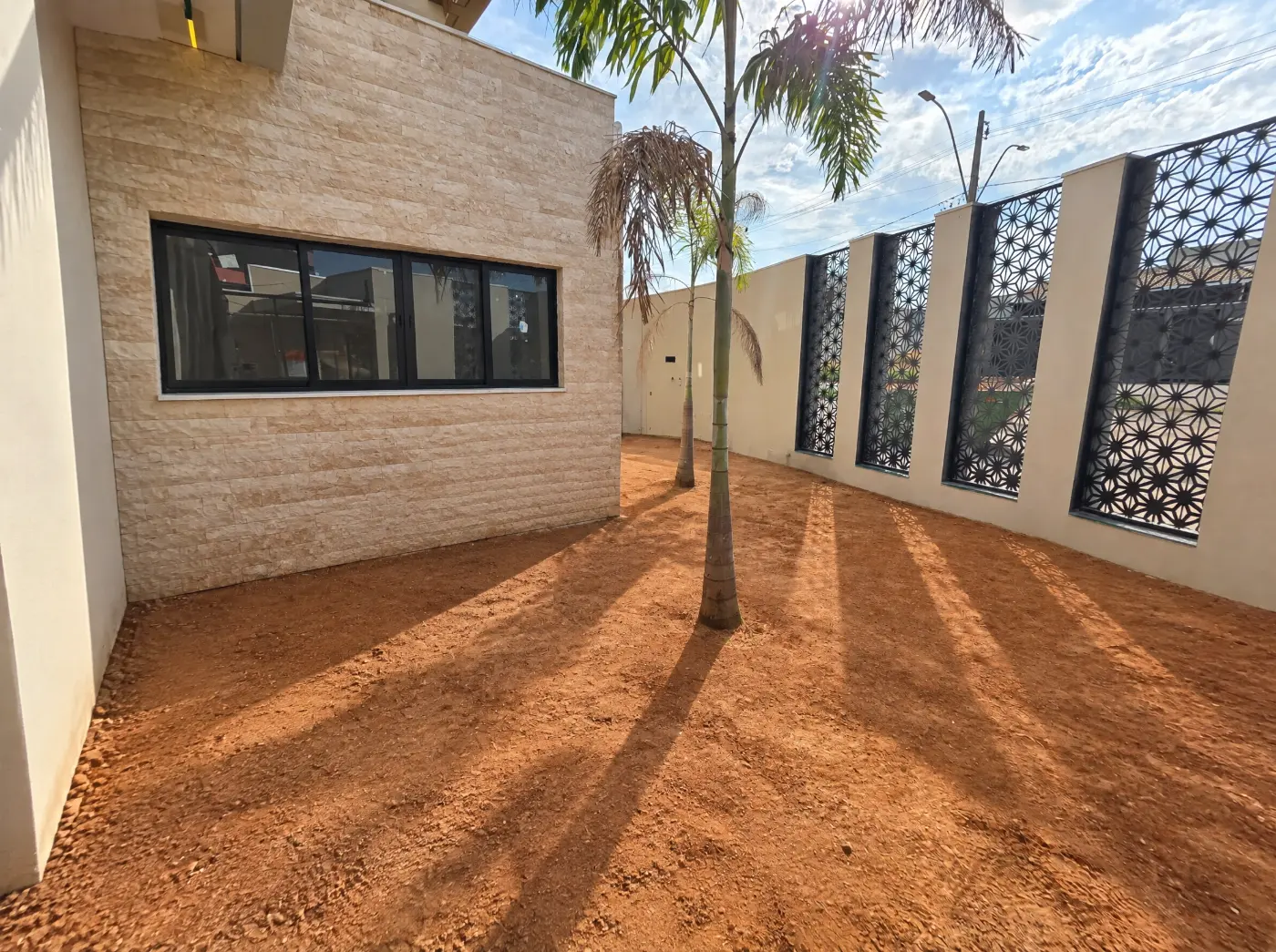
Mark what to remove from the photo: rubble, tarps, tools, floor protection or old vegetation.
Everything from the build disappears, while the walls, windows and the structure of the house stay.
Where there is no paving, choose how the ground ends up: packed earth, grass or as it is.
Seven questions (indoor or outdoor, use, light, style, amount of plants, furniture, structures) and the AI composes the garden.
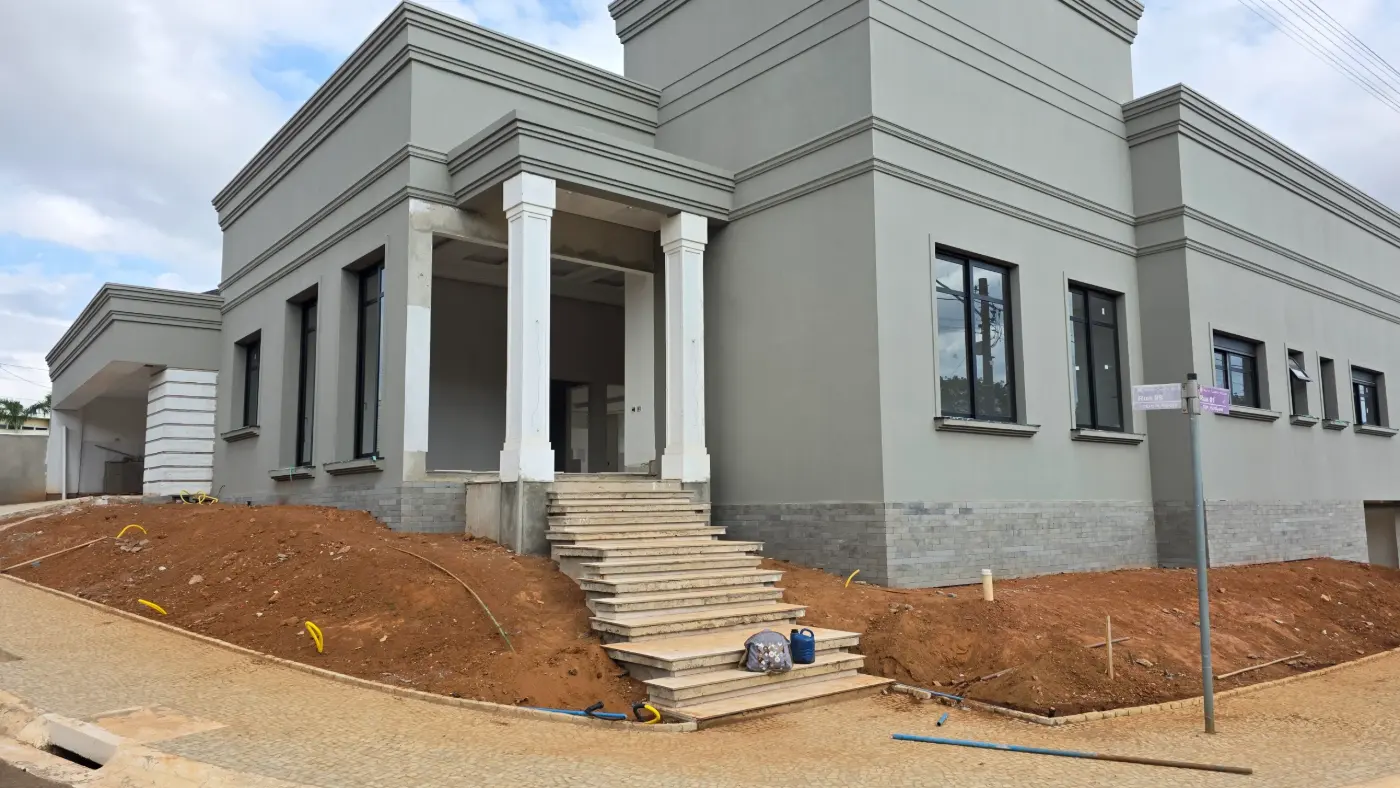
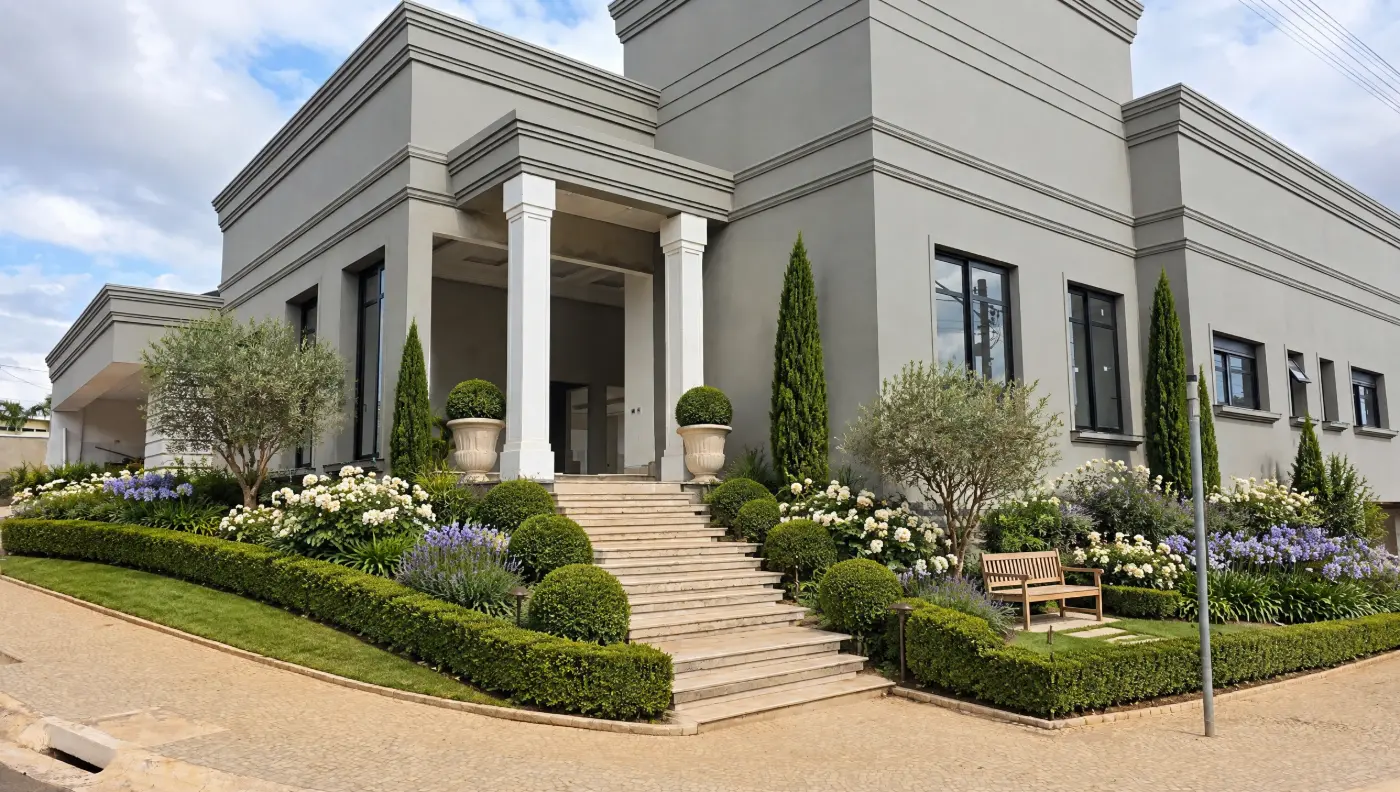
Space, use, light, style, amount of plants, furniture and structures. No drawing needed.
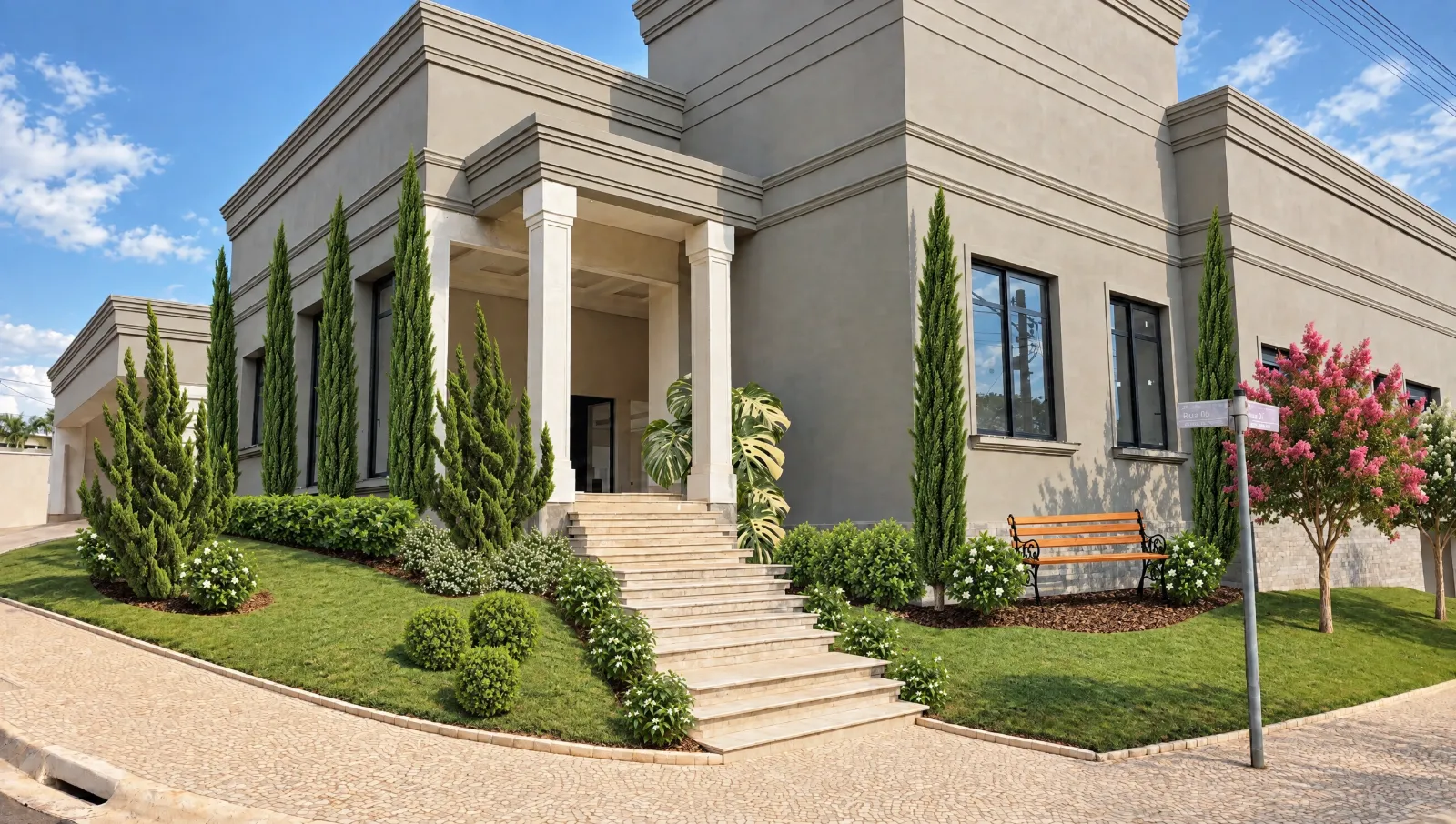
A classic style and full sun decide the species, the shapes and the layout of the garden.
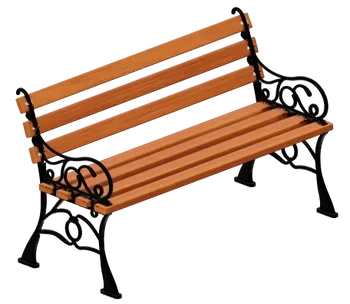
Ticked a bench? It shows up as part of the garden, right where it makes sense.
Describe it in your own words. Out of ideas? Tap suggestions like Tropical, Pergola, Warm tones.
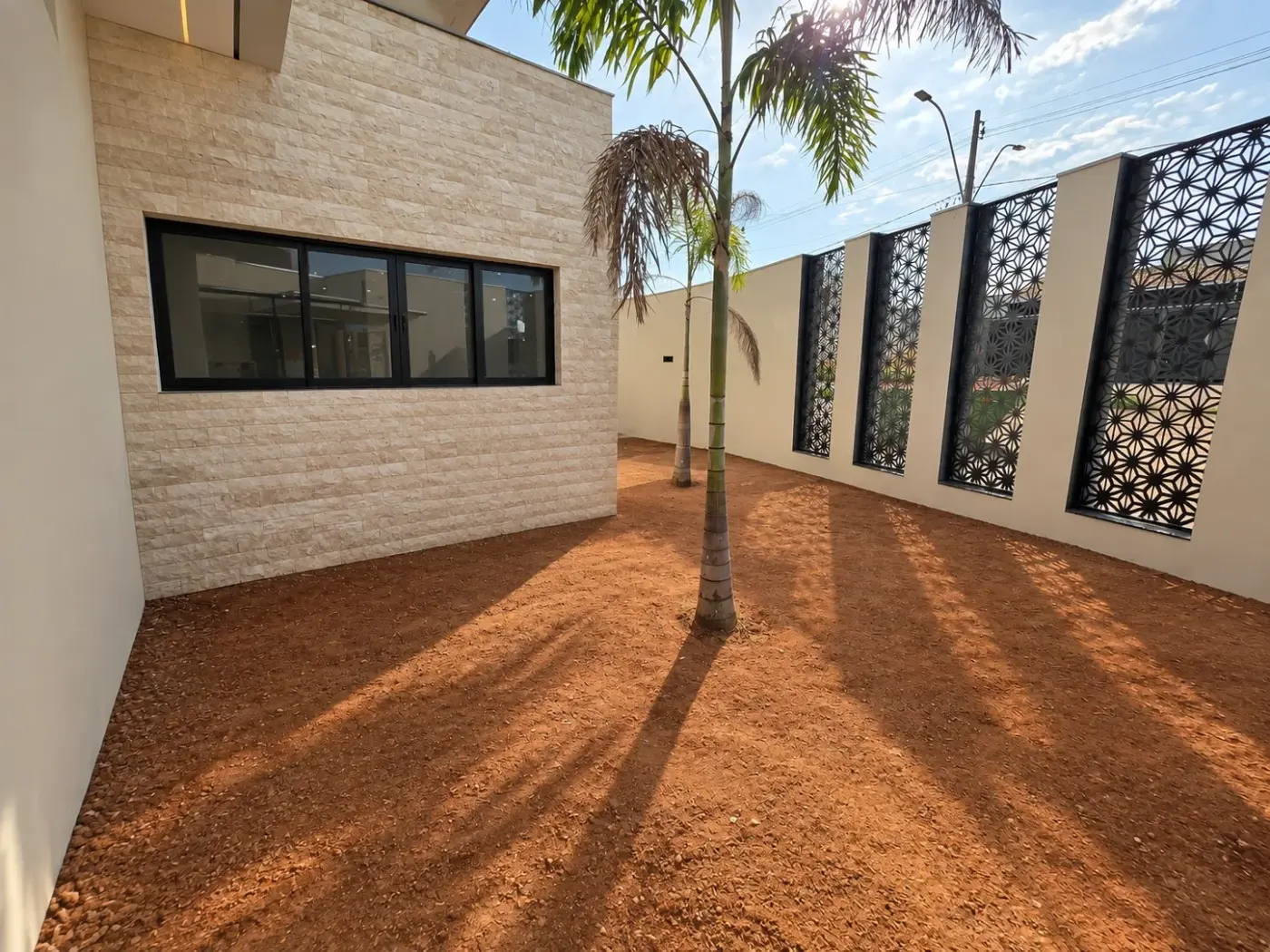
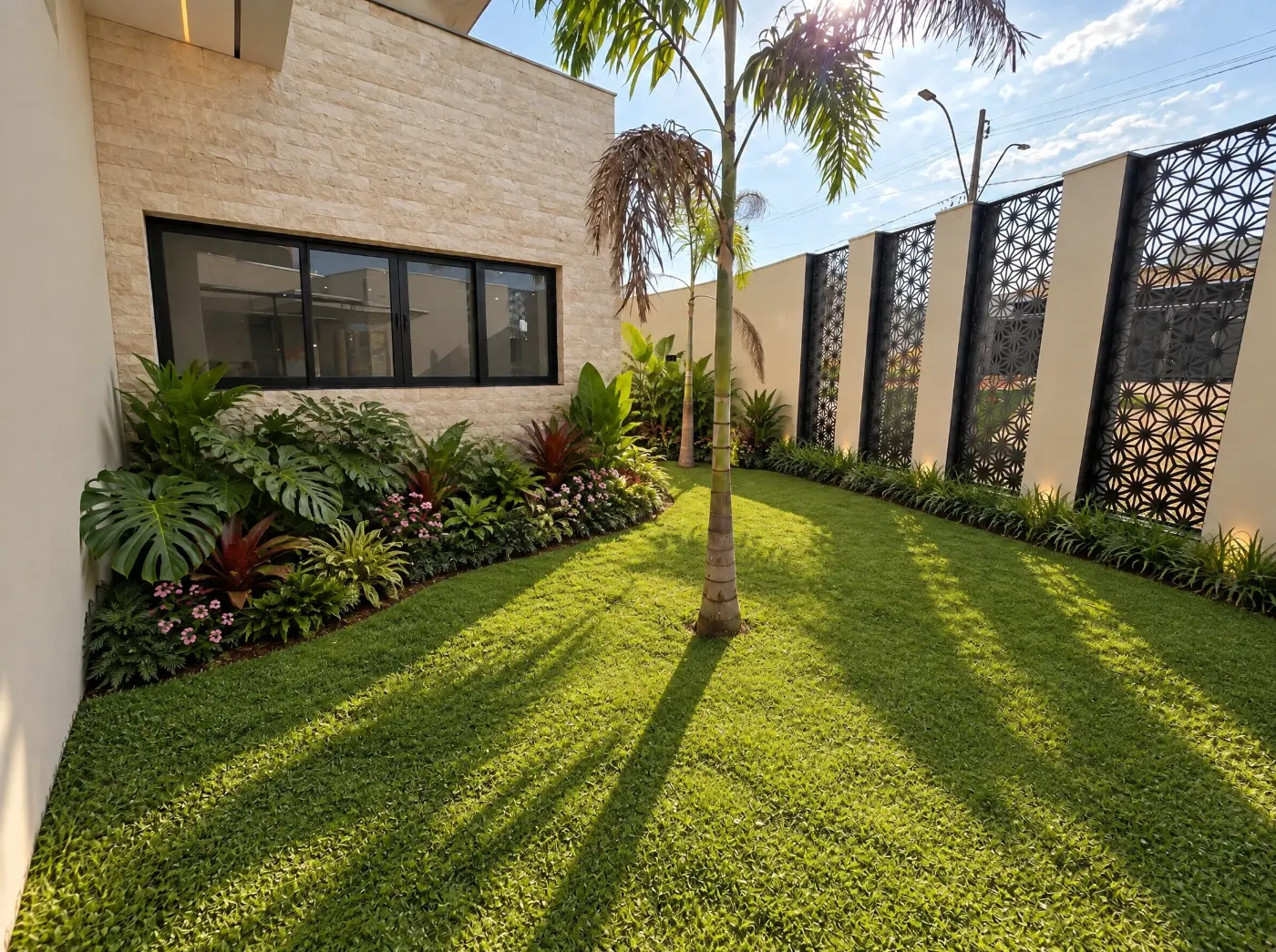
Describe the garden in your own words: species, colors, volume and where everything goes.
Ask it to keep the architecture and what is already there, like the palm trees, and the AI respects it.
Suggestions like Tropical, Pergola and Warm tones complete the description in a single tap.
First steps
It’s a more common question than you’d think. And we’ve thought about it!
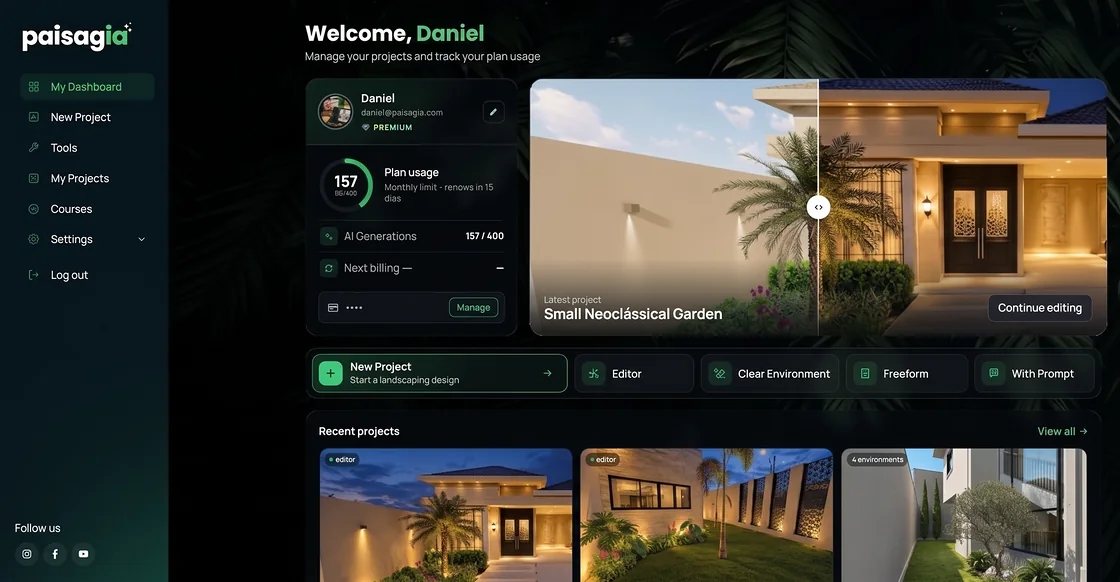
Get to know the tools, explore what’s possible and discover how Paisagia can be part of your work. No card required, nothing is charged.
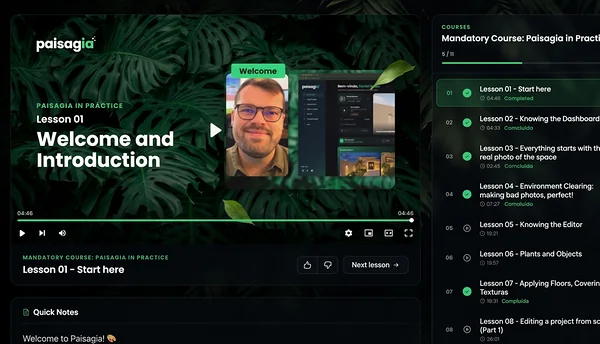
Paisagia comes with a course that teaches you how to use the platform and make the most of its features.
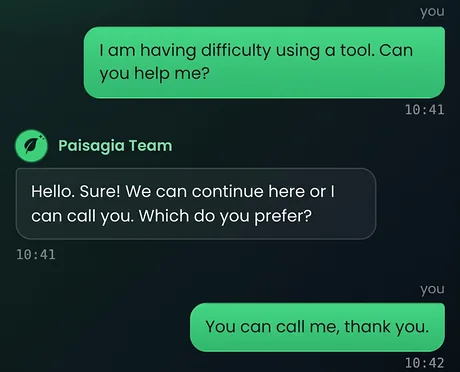
Besides the course, you can reach the support channels your plan includes.
Pricing
Free trial: 7 free days of the Professional plan, with 20 AI generations a month. No card required.
$25.00/mo
Billed monthly
$45.00/mo
Billed monthly
$65.00/mo
Billed monthly
You only pay if you decide to subscribe.
In this simulation, you sell 4 more projects a year (1 every 3 months) with clients who decided after seeing the finished garden.
You could earn an extra
per year. That pays for 6.2 years of Paisagia Premium.
No. You drag plants and objects onto the photo, like making a collage. Apply Realism does the photographic finish.
It will. JPG, PNG, WEBP or the iPhone’s HEIC, up to 30 MB.
The AI keeps every plant and object in place so it can draw them faithfully. If you want another take, generate another version and pick the best.
No. The quota renews every month, annual plan included.
Yes: 7 free days of the Professional plan, with 20 AI generations a month, no card required. To keep going afterwards, just subscribe to a plan.
Yes, from your account’s billing page. Moving to a higher plan takes effect right away and is charged in proportion to the rest of the period; moving to a lower one takes effect at the next renewal.
Yes, from your account’s billing page. Access continues until the end of the period you already paid for.
Yes. We don’t delete your projects, photos and images, not even when your subscription ends. Subscribe again and you pick up where you left off.
Request it right from the editor. Our team reviews it for inclusion.
It works in the browser on a computer, a tablet and a phone. For building projects, a bigger screen is more comfortable.
